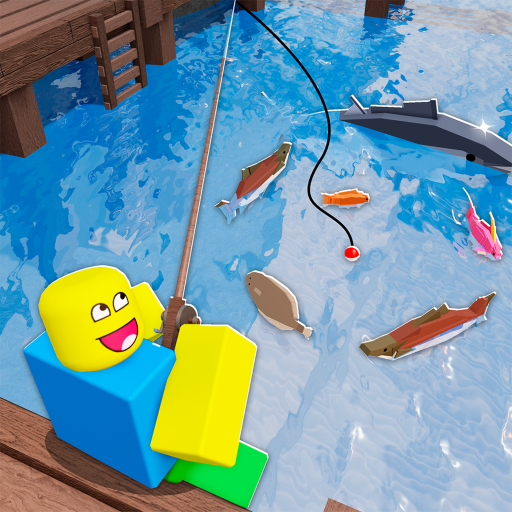
Field note 1
The newest checked guide says 25 entries; another says 24 while visibly printing the same 25 names when Dune Relic is included.
Field note 2
The checklist stores completion locally in the browser and does not claim access to the player's live Roblox Bestiary.
Field note 3
Use the weather filter before time or bait when targeting Mirage Fin because Foggy plus Night is its distinctive listed gate.
Field note 4
Use Day for Sunder-Whelp Jaw, Sun-Blistered Perch, Terrosunder and Photic Terrosunder; use Night for Mirage Fin, Dune-Stalker Eel and Reservoir Squalus.
Field note 5
Most displayed entries list Clear weather and Summer; Dune Relic is the visible exception with unrestricted conditions in the checked table.
Field note 6
Water catches can use normal rods, while guide-reported sand catches need Marrow Rod with Sand Sifter or the Dune enchant alternative.
Field note 7
Dust Storm and Torrential Rain are event windows, not ordinary weather labels that should be ignored during exclusive catch attempts.
Field note 8
A condition finder is more useful than a generic numeric calculator because the player job is matching named rows to exact states.
Field note 9
Reset filters if the table looks empty, then check spelling, dataset version, event state and whether the target is a separate encounter.
Field note 10
Use the focused Photic guide for transformation timing and the Marrow guide for equipment dependencies rather than overloading one table.
What this guide helps with
fisch drylands bestiary · all drylands fish fisch · fisch drylands fish locations · fisch drylands bestiary checklist · fisch drylands calculator · fisch drylands catch conditions
Player tasks
See every catch and completion condition.
Track completed fish and filter remaining catches by condition.
Answer a repeated planning or lookup task.
Look up one factual catch condition quickly.
Before you act
Check the dated status before following a route, price, condition, or event instruction. A server running a newer event state can make an older coordinate, shop value, or encounter sequence look correct while producing the wrong result. Confirm the visible area name and current interface before continuing.
Match the visible in-game state to the prerequisites before spending bait, C$, materials, or time. If one required NPC, item, weather state, or interface is missing, diagnose that dependency before repeating the final action.
Use the source, confidence, and last-checked label beside patch-sensitive details. Reported or disputed guidance can still help you plan, but the current Roblox experience should settle a conflict when the live state has changed.
Use the adjacent task links when your next step belongs to a different guide or checklist. Keeping access, Bestiary conditions, quest materials, special encounters, code status, comparisons, and official links separate makes a failed attempt easier to diagnose.
Last checked July 22, 2026 · patch-sensitive details keep their confidence and current-state labels.